GiggleFace - Real-Time Face Masks app icon

GiggleFace - Real-Time Face Masks

Create and adjust custom face masks from any image, apply them live with the front camera, record at 60 fps with audio, and use GiggleFace as a virtual camera on Mac.

Platforms iPhone + Mac
Requires iOS 26+ ยท macOS 26+
Privacy On-device processing
Premium One-time purchase

Key features

Custom masks with one-time Premium

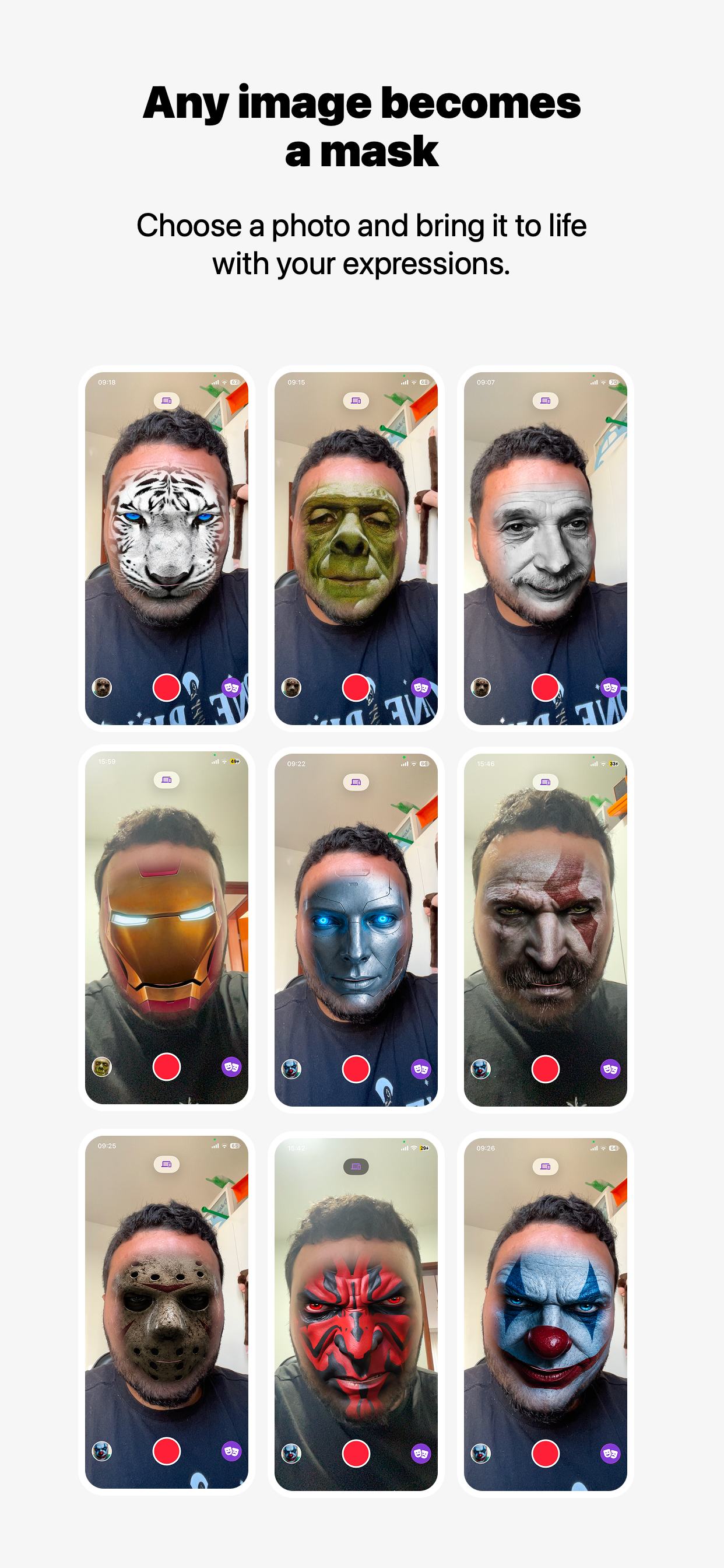
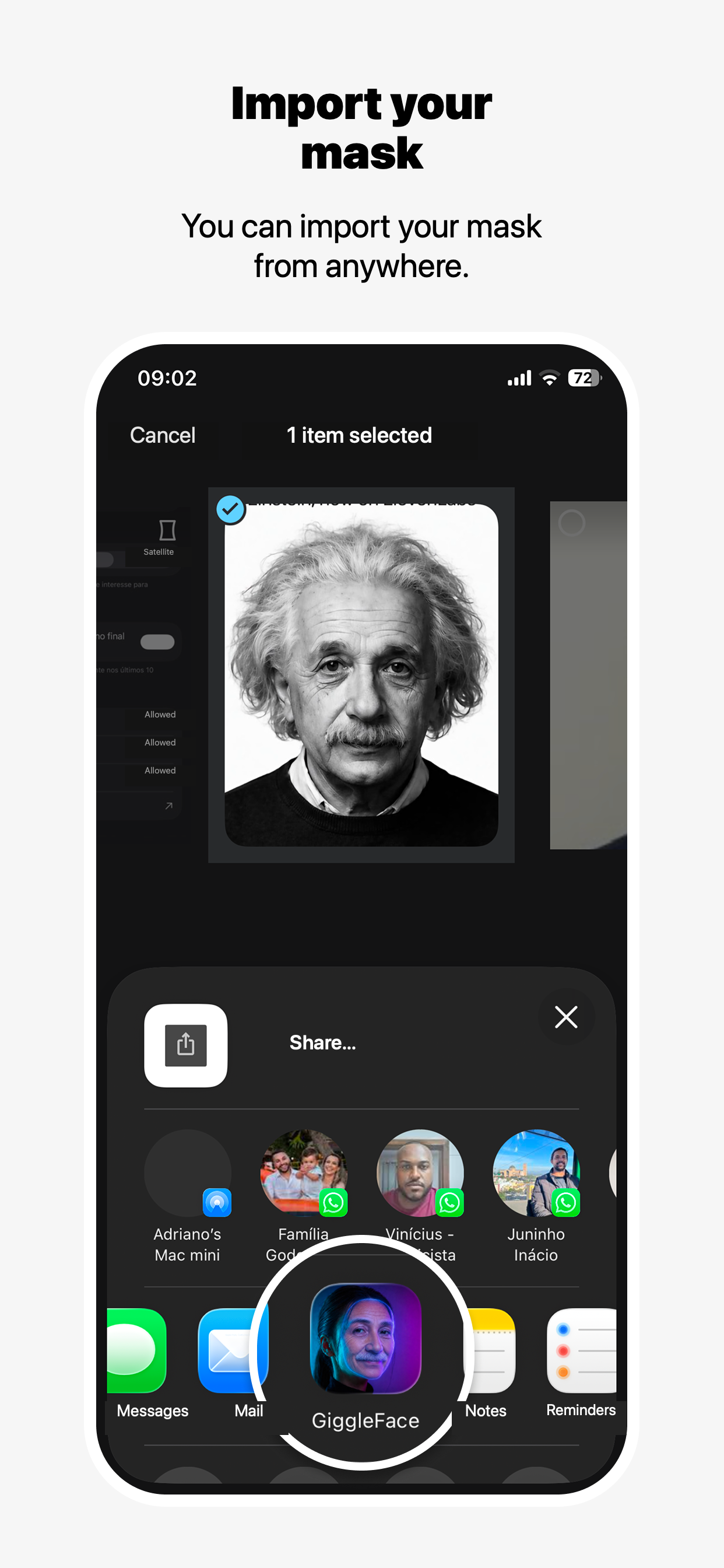
A single Premium purchase unlocks custom masks: import a photo from your library or share an image from another app, then turn it into a personal face mask.

Live, on-device masking

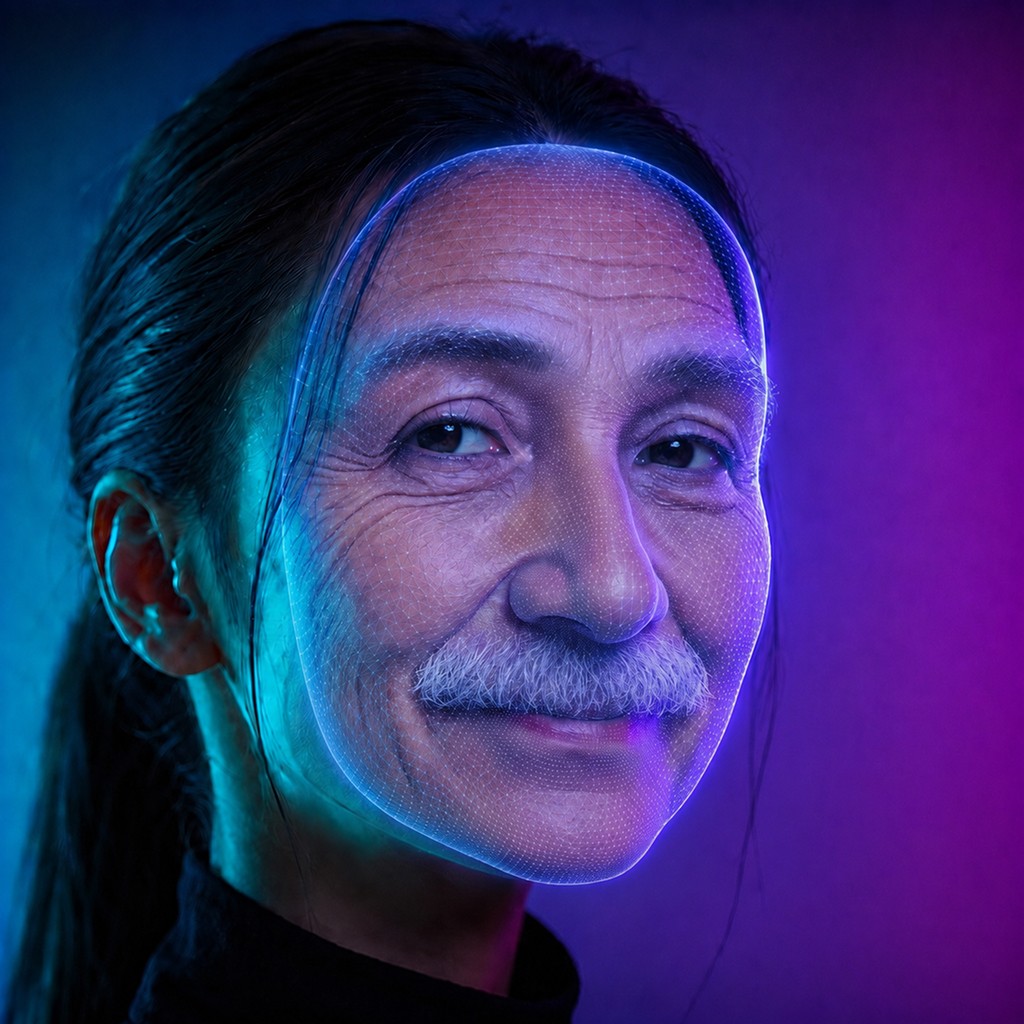
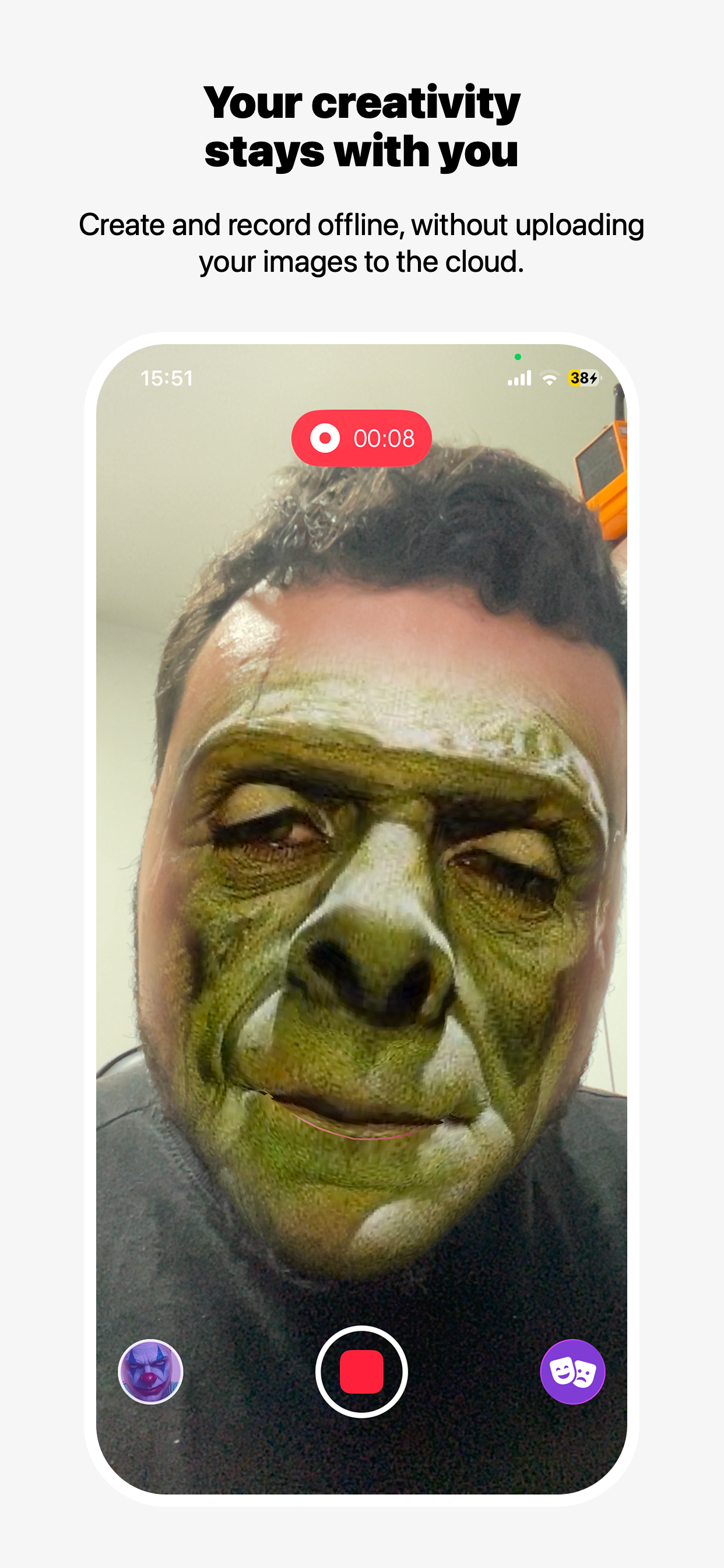
Apply masks to the front camera in real time while image and facial landmark processing stays on your device.

Simple, dynamic editor

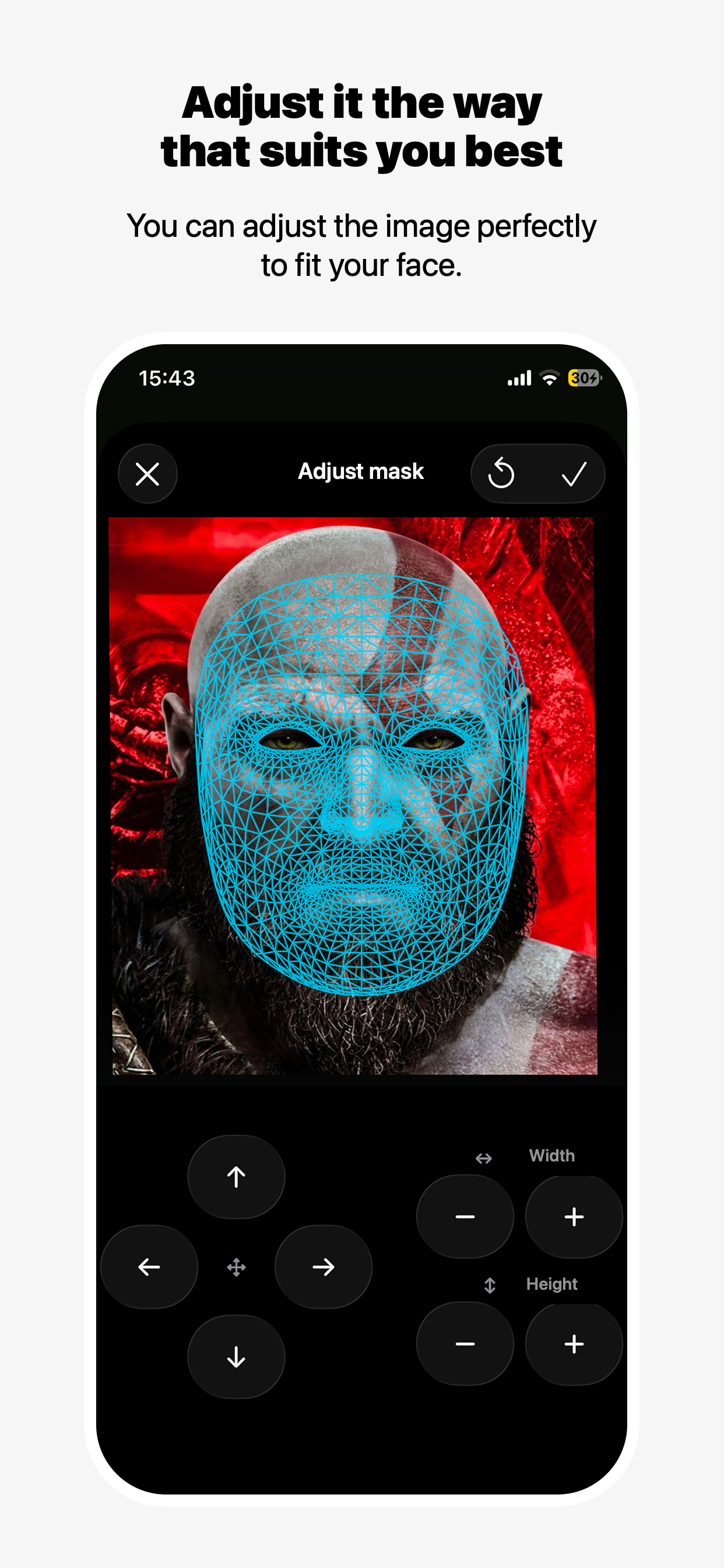
Adjust the mask position, scale, and fit with a focused editor designed for quick experimentation.

Share masks with friends

Export a mask file and choose how to send it through the system Share Sheet, without uploading it to a GiggleFace server.

60 fps recording with audio

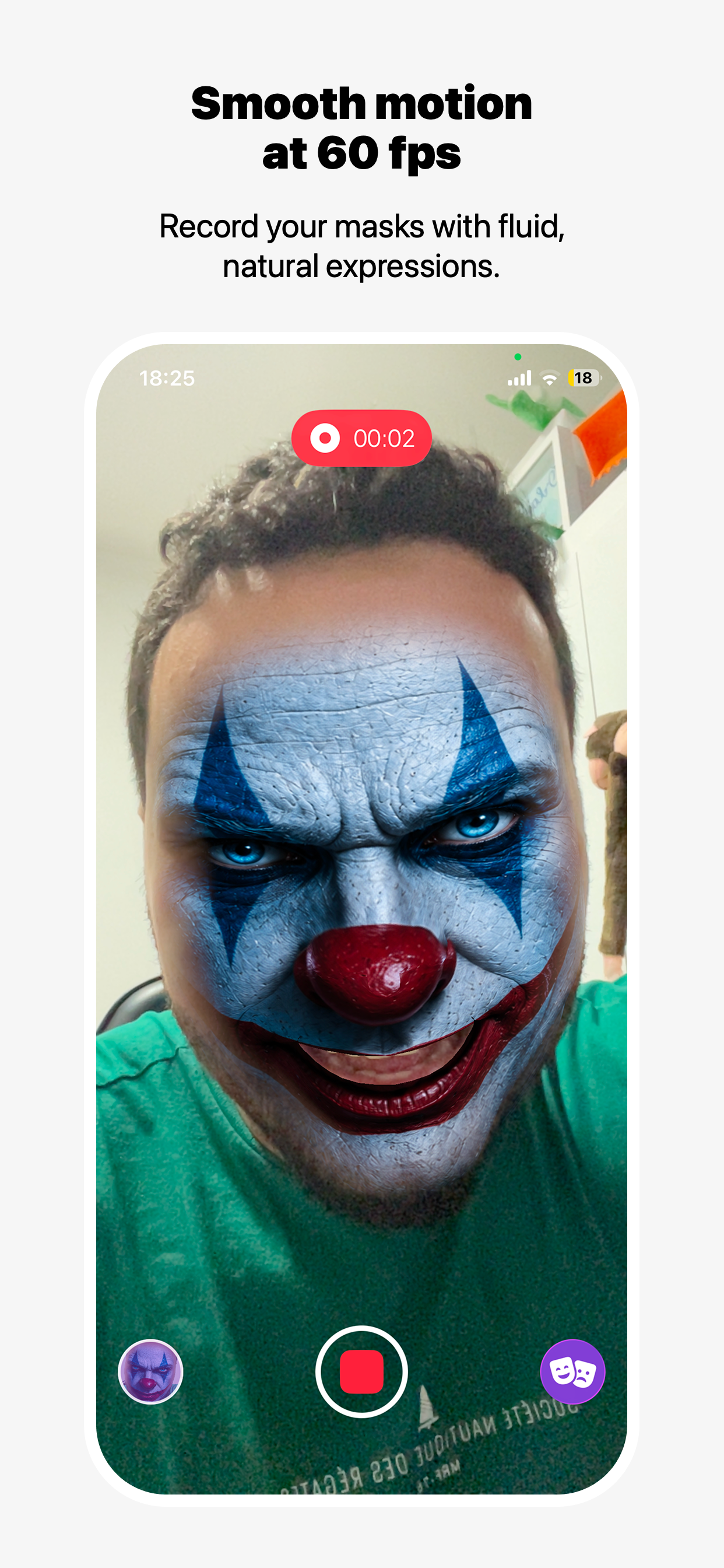
Record playful masked videos with sound at up to 60 frames per second on supported devices and configurations.

Virtual camera for Mac

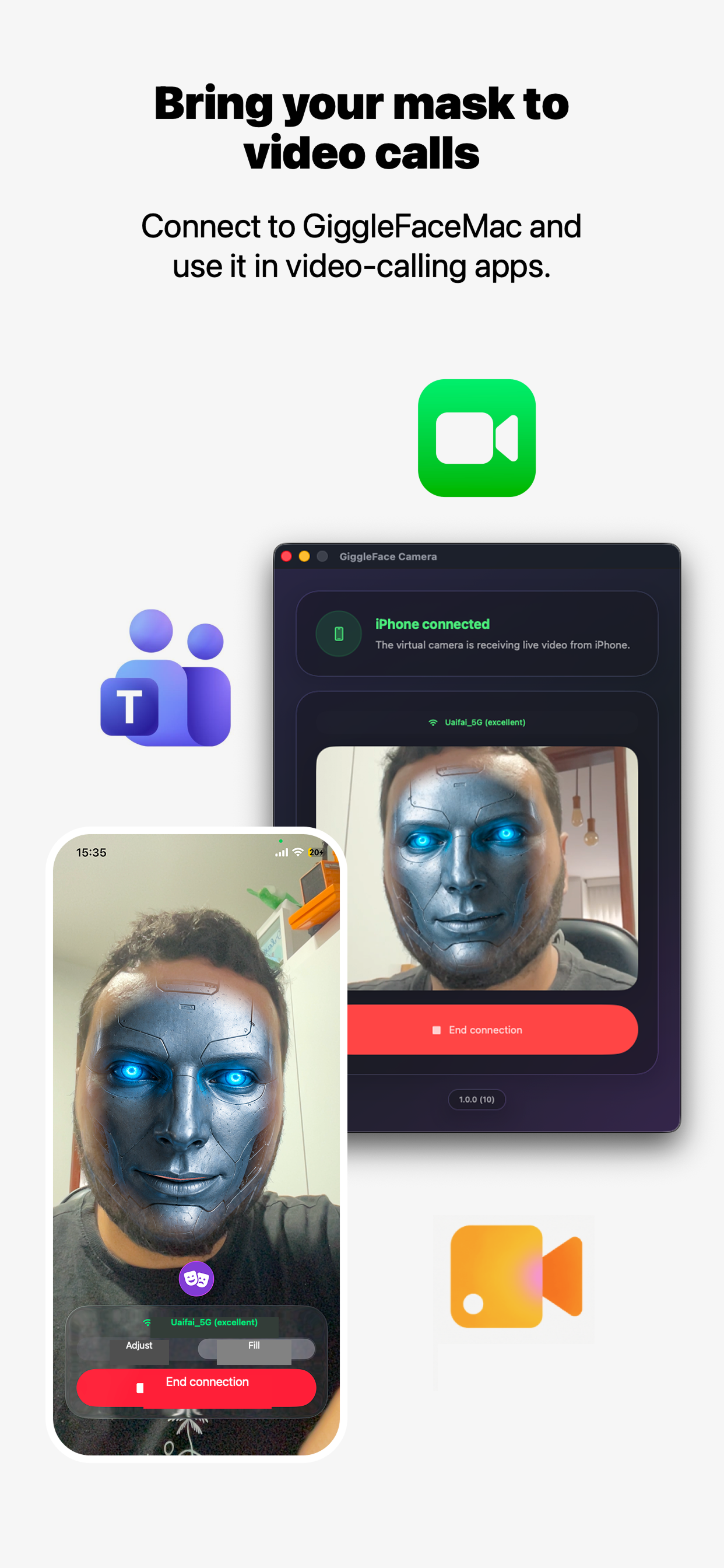
Select GiggleFace as a camera in Google Meet, Microsoft Teams, FaceTime, and other macOS apps that accept virtual camera input.

Best for

Make video calls more fun

Bring a playful mask to work calls, chats with friends, and family moments through the macOS virtual camera.

Record a new character

Create a look from an image, fine-tune it, and record a smooth clip with audio directly on your device.

Create and share together

Exchange mask files through the apps you already use and keep building a collection with friends.

FAQ

What is GiggleFace?

GiggleFace is an iPhone and Mac app that applies image-based face masks to the front camera in real time. You can adjust masks, record videos, and use the processed feed as a virtual camera on macOS.

Does GiggleFace work offline?

Yes. Camera, mask, facial landmark, and recording processing run locally on your device. Internet access can still be required for TestFlight, purchases and restoration, importing an online image through another service, anonymous diagnostics, sharing through online apps, and video calls.

How do I create a custom mask?

With GiggleFace Premium, choose an image from your photo library or share an image from another app into GiggleFace. Then use the editor to adjust its position, scale, and fit.

Can I share masks with friends?

Yes. GiggleFace exports a mask file and opens the system Share Sheet so you can choose a compatible messaging, storage, or sharing app. GiggleFace does not host the file on a developer-operated sharing server.

Is GiggleFace Premium a subscription?

No. The app is free to download, and Premium is available as a one-time purchase with no recurring subscription.

Which Mac video apps support GiggleFace?

GiggleFace works with macOS apps that accept virtual camera input, including Google Meet, Microsoft Teams, and FaceTime. Availability can depend on the app version, macOS permissions, and the service configuration.

Does recording always run at 60 fps?

GiggleFace can record at up to 60 fps with audio on supported devices. Actual frame rate can vary with hardware, thermal conditions, system load, selected settings, and available storage.

Does GiggleFace upload my camera or masks?

No. Camera frames, photos, audio, video, masks, and facial landmarks are not uploaded to developer media servers. GiggleFace sends limited anonymous usage and error diagnostics to Himetrica without media content or personal identity fields.